
SANDISK 256GB microSD Express Card
4.6Editor score
Up to 880MB/s transfer speeds
Works with Nintendo Switch 2
SanDisk ThermAdapt thermal management
Waterproof and shock-resistant construction
Our Sandisk Micro SD Express Card guide compares ten high-speed cards for Nintendo Switch 2, camera workflows, capacity, durability, compatibility, and
A microSD Express card can transform demanding workflows by delivering PCIe-NVMe performance in the familiar microSD format. That speed matters when loading large Switch 2 games, moving 4K footage, or transferring batches of RAW photos, although compatibility and sustained thermal performance remain just as important as headline transfer rates.
This guide compares ten microSD Express and high-speed microSD options available in October 2026, with particular attention to the 512GB and 1TB SanDisk models. We examined stated read and write speeds, Nintendo Switch 2 support, capacity, durability claims, heat-management features, UHS-I fallback behavior, and the accessories or software included.
Each pick reveals which card is best suited to a particular need, from compact gaming storage to high-volume creative work. Ratings reflect the supplied customer feedback, while practical performance depends on the host device, reader, file size, and thermal conditions. Product prices and promotions change frequently, so compare current listings before purchasing.
The distinction between a card’s advertised peak speed and its real-world behavior is especially important. Switch 2, cameras, drones, and ordinary card readers may use different portions of the card’s capabilities, and the fastest headline figures generally require a compatible SD Express reader rather than a basic UHS-I adapter.
4.6Editor score
4.6Editor score
4.6Editor score
The comparison below places all ten cards side by side, including the SanDisk microSD Express range, a Samsung Switch 2 alternative, a Lexar Express option, and conventional high-speed microSD cards for compatibility-focused buyers.



The SANDISK 512GB microSD Express Card combines a generous capacity with the headline speed needed for next-generation gaming and demanding file transfers. It has a 4.6 customer rating, works with Nintendo Switch 2, and is positioned for future products using a PCIe-NVMe interface. Its most distinctive feature is SanDisk ThermAdapt, a system that combines a specially designed enclosure and controller with dynamic adaptive thermal management.
We may earn a commission when you buy through this link, at no additional cost to you.
Performance is the principal attraction. SanDisk states that the card delivers speeds up to 4.4 times those of its fastest microSD UHS-I cards. A two-hour HD movie can be transferred in less than 3.5 seconds with the appropriate SanDisk PRO-READER SD Express Dual Card. For video editors, the stated workload of transferring 60 minutes of 4K UHD footage recorded at 30 fps can save up to 2.8 minutes when paired with that reader.
The card also supports older microSD UHS-I and UHS-II devices at their respective UHS-I speeds, so it can serve as a high-speed gaming card and a more advanced creative-work card without becoming completely dependent on future Express hardware. Its durability claims cover water, temperature, humidity, drops, shock, magnets, X-rays, and wear. Those protections make it a sensible option for portable consoles, cameras, drones, and other field-oriented equipment.
The main qualification is equipment. A basic UHS-I reader or adapter will not unlock the advertised Express transfer rates. The proprietary PRO-READER is sold separately, and host-device performance also matters. Even so, this is a strong all-around recommendation for a buyer who wants substantial capacity, Switch 2 compatibility, advanced heat management, and very fast transfers without moving to the 1TB model.
For users who occasionally move large creative files, the 512GB capacity provides a more practical balance than a smaller Express card. For a game library that can expand well beyond half a terabyte, the 1TB option remains the roomier choice. Between the two, this model is especially attractive when portability and storage headroom matter nearly equally.
The headline advantage appears when large files move between compatible Express-compatible devices. SanDisk cites less than 3.5 seconds for a two-hour HD movie and up to 2.8 minutes saved when transferring 60 minutes of 4K UHD video. Those results depend on the specified reader, host interface, source files, and sustained thermal performance.
Sustained transfers generate heat, and excessive temperatures can reduce stability or force a device to slow down. SanDisk ThermAdapt uses dynamic adaptive thermal management with a designed enclosure and controller, making this card particularly relevant to users who regularly transfer large batches rather than moving occasional small files.
We may earn a commission when you buy through this link, at no additional cost to you.
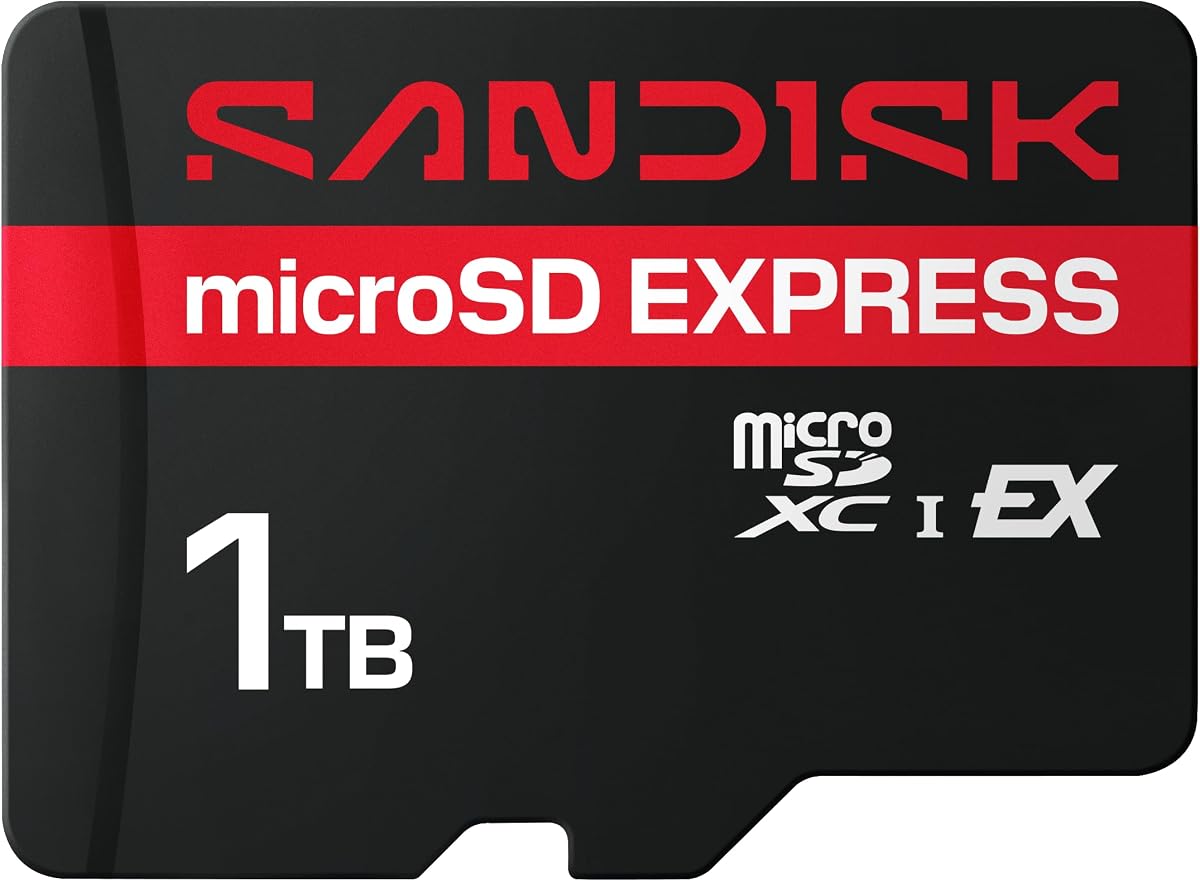
The SANDISK 1TB microSD Express Card is the roomiest model in this guide, and that defining capacity makes it particularly compelling for Nintendo Switch 2 owners, drone pilots, and camera professionals who regularly accumulate files. It carries a 4.6 rating and supports both current and future PCIe-NVMe-based products. It also operates in older microSD UHS-I and UHS-II devices at UHS-I speeds.
We may earn a commission when you buy through this link, at no additional cost to you.
SanDisk advertises up to 880MB/s transfer speeds and read performance up to 3.5 times faster than its fastest microSD UHS-I cards. The 1TB model can move up to 60 minutes of 4K UHD video recorded at 30 fps in less than 15 seconds with the specified SanDisk PRO-READER SD Express Dual Card. It can also transfer 1,000 10MP RAW photos in less than 50 seconds, making the card useful for photographers who work through sizeable card sequences.
For gaming, one terabyte reduces the need to rotate between multiple cards or continually delete older content. Downloadable content and a large installed-game collection can occupy substantial space, and a single high-capacity card simplifies that management. For creative users, the extra room allows a longer card before offloading, which is valuable when working away from a computer or when a fast reader is not immediately available.
The tradeoff is obvious but manageable: this is more capacity than many casual buyers need, and reaching the strongest transfer rates requires the specified reader and a compatible host. Used in an ordinary UHS-I slot, it remains a capable card, but it will not behave like a headline Express card. Buyers should therefore identify the actual workflow before choosing.
This is the best choice in the list for maximizing the amount of data carried by a single card. Those who want the fastest possible 512GB alternative can save space, while users with a modest collection may find the smaller model more convenient. Subject to budget and portability needs, the 1TB card is the premium storage pick.
A one-terabyte capacity can hold a large game library, downloadable content, captured clips, and other media without frequent swapping. It also gives creators breathing room between shoots, reducing how often media must be moved to a workstation before a full card is reached.
The stated transfer results focus on the kinds of batch workflows that benefit from fast media: extended 4K video clips and large collections of RAW images. Real-world times will vary, but a compatible reader can materially shorten the time spent moving and organizing those files.
We may earn a commission when you buy through this link, at no additional cost to you.
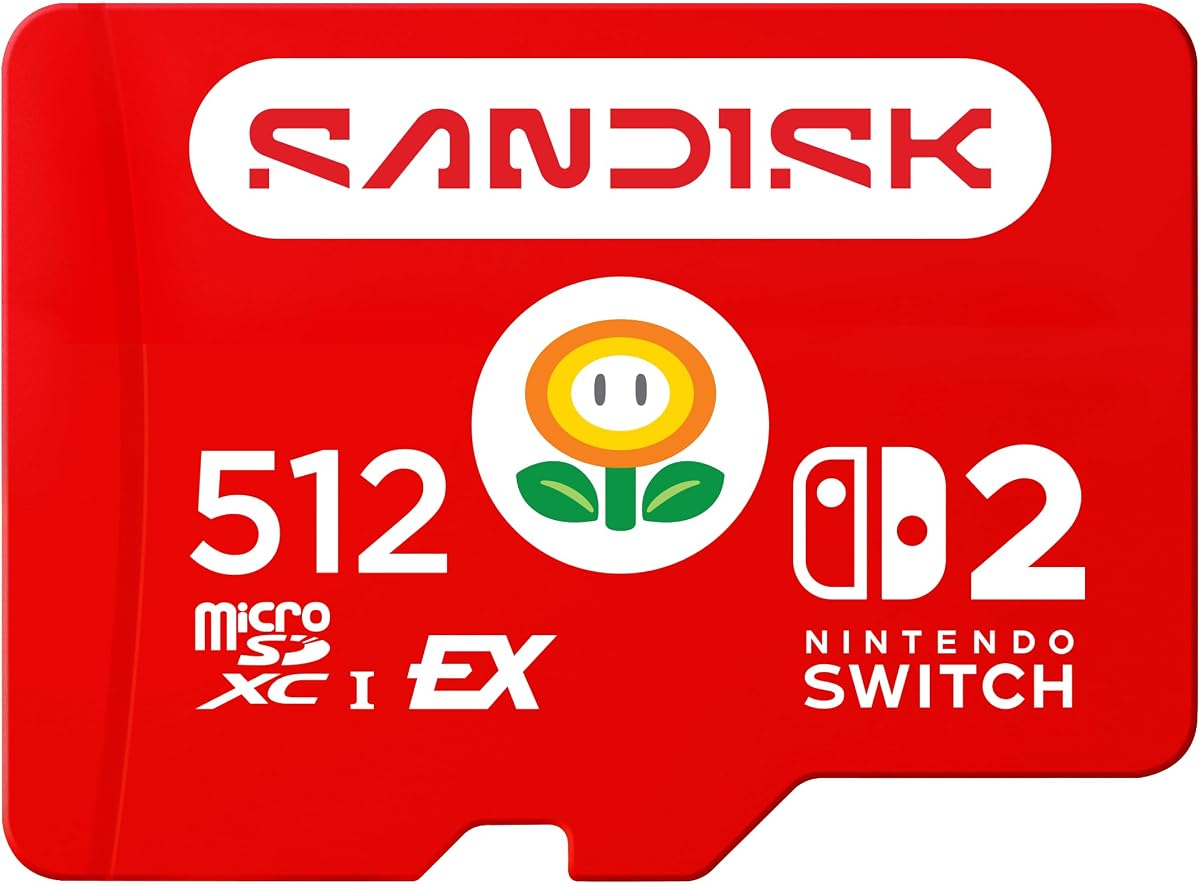
The SANDISK 512GB microSD Express Card for Nintendo Switch 2 is the most explicitly gaming-focused SanDisk option in the lineup. It has a 4.6 customer rating, is officially licensed for Nintendo Switch 2, and is designed around the console’s storage demands. With up to 880MB/s read speeds and up to 650MB/s write speeds, it offers the headroom needed for fast game access and the transfer of downloaded content.
We may earn a commission when you buy through this link, at no additional cost to you.
The card’s 512GB capacity gives players room to store games and downloadable content together. That is a meaningful advantage over a smaller card because modern titles can consume a considerable portion of available storage. The result is fewer interruptions caused by managing several cards or repeatedly deleting content that may be needed again later.
The product listing also highlights screenshot capture and recording of short gameplay clips in Full HD. Those features complement the console’s broader media capabilities and make the card relevant to players who want to preserve highlights as well as install games. Its performance figures are designed for a modern gaming workflow, where short load times and efficient file movement can improve convenience.
Compared with the general-purpose 512GB SanDisk Express card, this model foregrounds official licensing and gaming performance. Compared with smaller SanDisk Express choices, it offers more storage without expanding to a full terabyte. The trade-off is a narrower feature emphasis, with fewer details published about broad creative-file transfer scenarios and adapter packaging.
For a buyer whose primary goal is a dependable Nintendo Switch 2 library, this is an especially easy recommendation. Official licensing removes any ambiguity about intended use, the 512GB capacity is practical, and the stated read and write speeds are well suited to the platform. It is the editor’s choice for the strongest dedicated Switch 2 proposition in the roundup.
The official Nintendo Switch 2 license is a meaningful differentiator for console buyers. It identifies the card as designed for the platform rather than merely compatible with it, making the 512GB model an especially straightforward option for building a substantial game library.
Fast reads help with game access, while the stated write performance supports moving downloaded content onto the card. Both sides matter in a modern console workflow, where a card may need to handle libraries, updates, saved data, and other downloadable content.
We may earn a commission when you buy through this link, at no additional cost to you.
The SANDISK 256GB microSD Express Card is a balanced choice for buyers who want modern transfer speed without committing to the largest available capacity. It holds a 4.6 rating, supports Nintendo Switch 2, and operates in UHS-I and UHS-II hosts at UHS-I speeds. SanDisk states that it can deliver performance up to 4.4 times that of its fastest UHS-I cards.
We may earn a commission when you buy through this link, at no additional cost to you.
Its headline transfer rate reaches 880MB/s when paired with compatible equipment. SanDisk says a two-hour HD movie can be transferred in less than 3.5 seconds, while 60 minutes of 4K UHD video recorded at 30 fps can save up to 2.8 minutes. For 1,000 10MP RAW photos, the card can complete the transfer in 51.7 seconds with the separately sold SanDisk PRO-READER SD Express Dual Card.
SanDisk ThermAdapt is a major strength for sustained use. Dynamic adaptive thermal management, a specialized enclosure, and a purpose-designed controller work together to help limit overheating. The card is also described as waterproof, temperature-proof, humidity-proof, drop-proof, shock-proof, magnetic-proof, X-ray-proof, and wear-out-proof.
The 256GB capacity is the main compromise. It is sufficient for a focused game collection and regular creative work, but it is less generous than the 512GB and 1TB models. The need for a separate compatible reader also means the stated transfer benefits are not always available through the reader built into a laptop or console.
This card makes the most sense for a mixed-purpose buyer who wants SD Express capability, thermal management, and useful storage without moving to a premium capacity. It also serves as a more affordable route into a faster workflow. Those willing to accept less room for growth should give it priority over larger models.
At 256GB, the card offers enough room for active projects, a selected game library, or a working collection of photos and video without approaching the footprint of larger cards. It is a sensible middle point for users who periodically move files and do not need every available terabyte.
Long media transfers are more demanding than occasional file copies. ThermAdapt is designed to help the card manage heat dynamically, supporting steadier performance when users move large batches of 4K footage or numerous RAW photos through a compatible reader.
We may earn a commission when you buy through this link, at no additional cost to you.
The SANDISK 128GB microSD Express Card provides the same headline transfer speed as the larger general-purpose SanDisk Express models in a smaller capacity. It has a 4.6 rating, supports Nintendo Switch 2, and can perform at UHS-I speeds when placed in older microSD UHS-I or UHS-II devices. That makes it a compact option for users who need speed more than extensive storage.
We may earn a commission when you buy through this link, at no additional cost to you.
SanDisk states that read performance can be up to 4.4 times faster than its fastest microSD UHS-I cards, with transfer speeds reaching 880MB/s. The card can move 60 minutes of 4K UHD video recorded at 30 fps in less than 70 seconds and transfer 1,000 10MP RAW photos in 51.7 seconds when used with the specified SanDisk PRO-READER SD Express Dual Card.
The inclusion of ThermAdapt strengthens the card beyond its modest capacity. Its specially designed enclosure and controller use dynamic adaptive thermal management, which is useful during sustained transfers. The product is also listed as waterproof, temperature-proof, humidity-proof, drop-proof, shock-proof, magnetic-proof, X-ray-proof, and wear-out-proof.
Its limitations are mostly consequences of capacity. A 128GB card can be filled quickly by modern games, downloadable content, 4K recordings, or high-resolution photos. It may therefore require more frequent transfers and card changes than a 256GB, 512GB, or 1TB model. A compatible Express reader is likewise necessary to see the headline transfer benefits.
This is a sensible pick for a lightweight setup where a small card is preferred, a short media-transfer job is common, or the device will primarily store a limited collection. Buyers expecting an expansive console library should move up in capacity, but those focused on compactness and fast workflow can still benefit from the Express interface.
The 128GB capacity is most useful when users regularly move data off the card or need a secondary card for a temporary project. It can still handle games, photos, and video, but managing available space becomes part of the routine.
Despite its modest storage capacity, the card can take full advantage of compatible Express hardware for large transfers. That combination makes it useful for moving a batch of media, testing a faster workflow, or carrying a compact card between compatible devices.
We may earn a commission when you buy through this link, at no additional cost to you.
The SANDISK 256B Extreme microSD Card is a conventional high-speed UHS-I option rather than a microSD Express card. It carries a 4.7 customer rating and emphasizes broad compatibility, with read speeds up to 245MB/s and write speeds up to 170MB/s for the listed 256GB-to-1TB capacity range. That makes it relevant to cameras, action cameras, drones, and other devices that rely on standard microSD performance.
We may earn a commission when you buy through this link, at no additional cost to you.
The card’s video-speed designations are U3 and V30, supporting 5K point-of-view capture and high-resolution stills according to the listing. It also supports capacities up to 2TB across the broader product family, although the supplied title identifies this particular configuration as 256GB. An SD adapter is included, making it easier to use the card in devices that accept full-size SD media.
Durability is a major selling point. The Extreme line is described as temperature-proof, humidity-proof, waterproof, shock-proof, drop-proof, magnet-proof, X-ray-proof, and wear-out-proof. SanDisk Memory Zone software for desktop or Android can help users back up, organize, and transfer files. These features suit users who need dependable media handling without committing to newer host hardware.
The important limitation is speed and platform focus. Its maximum read speed is far below the 880MB/s figures associated with the microSD Express models in this guide, and the listing does not identify Nintendo Switch 2 compatibility. It is therefore a better fit for a broad set of conventional devices than for maximizing next-generation console loading performance.
The purchase is best justified by compatibility and proven high-speed UHS-I performance rather than Express ambitions. Users with cameras, drones, action cameras, or older systems can gain a capable general-purpose card, while console and future-facing buyers should examine the dedicated Express options. The included adapter adds convenience to an already versatile package.
The Extreme card is designed around the mature UHS-I ecosystem, where compatibility is often more important than maximum transfer rate. It can serve cameras, drones, action cameras, and other devices that support standard high-speed microSD media.
U3 and V30 ratings make the card appropriate for demanding recording formats, while the included SD adapter adds flexibility when a larger host accepts full-size cards. The adapter does not turn the card into an SD Express product, so its speed remains governed by the UHS-I interface.
We may earn a commission when you buy through this link, at no additional cost to you.
The Samsung P9 Express microSDXC 512GB is a highly rated alternative for Nintendo Switch 2 owners. It has a 4.7 customer rating, supports the console, and uses a microSD Express interface with sequential read speeds up to 800MB/s. Samsung describes this as up to four times faster than its standard UHS-I microSD cards, although the exact gain depends on the host and reader.
We may earn a commission when you buy through this link, at no additional cost to you.
Its 512GB capacity is designed to hold games and downloadable content in one place. Dynamic Thermal Guard is designed to reduce overheating during sustained activity, which is especially relevant in a handheld console. The card also carries six types of protection and a three-year limited warranty, giving the product a reassuring mix of endurance and support.
Samsung Magician adds a different kind of utility. It can verify product authenticity, monitor drive health, and help users manage the P9 Express. Backward compatibility extends to microSD UHS-I devices such as tablets, drones, and cameras, so the card can remain useful when it is not operating at its full Express potential.
The main reason a reader focused on SanDisk might pass on this option is brand preference. Its stated 800MB/s read figure also sits below the 880MB/s figure given for the leading SanDisk Express cards. Neither difference automatically determines real-world performance, but the product remains a strong alternative where Samsung’s software, warranty, and thermal system align with a buyer’s priorities.
For a Nintendo Switch 2 user who values a polished ecosystem, Magician management, and strong compatibility, the P9 Express is a compelling choice. It is especially attractive for users who already rely on Samsung storage and want the highest tier of the company’s supported microSD options. The 512GB capacity is generous without reaching a full terabyte.
Dynamic Thermal Guard is intended to keep the card cooler during sustained gameplay and file activity. Cooling can be as important as peak speed in a compact console because it helps the system maintain consistent performance over longer sessions.
Samsung Magician provides authenticity verification and drive-health monitoring alongside its performance tools. This gives the P9 Express a management angle that many card buyers may not receive from a simple card-and-adapter package.
We may earn a commission when you buy through this link, at no additional cost to you.
The SANDISK 128GB Ultra microSD UHS-I Card is a practical conventional card for everyday devices rather than a performance flagship. It has a 4.6 customer rating and delivers read speeds up to 195MB/s when used with the specified SanDisk QuickFlow microSD UHS-I Card USB-A Reader. It is designed for Android phones, tablets, digital cameras, and laptops.
We may earn a commission when you buy through this link, at no additional cost to you.
The card is rated A1 for application use and supports Full HD video. Its broader SanDisk Ultra family is available in capacities up to 1.5TB, although this listing identifies the 128GB configuration. That makes it a good option for expanding a device’s storage, holding photos and music, or supporting lighter gaming and application workloads.
Content management is handled through SanDisk Memory Zone for desktop or Android. This software can assist with backing up, organizing, and transferring content, which may be particularly convenient for users whose phones or tablets are their primary creative tools. The UHS-I format also provides broader compatibility than a card designed solely around newer Express interfaces.
Its limitations are substantial for anyone seeking maximum speed. The 195MB/s read figure is much lower than the advertised rates of the microSD Express cards, and the product listing does not claim Nintendo Switch 2 support. The 128GB capacity may also be modest for extensive game collections, large video archives, or camera workflows involving high-resolution media.
This Ultra card is best selected as a dependable general-purpose upgrade for a compatible Android device, tablet, camera, or laptop. It is not the recommendation for a next-generation console library or rapid 4K media workflow. Its value lies in simplicity, broad device support, and an established microSD format that works with ordinary readers.
The card can add storage to phones and tablets that support microSD, giving users more room for photos, video, music, applications, podcasts, and games. Memory Zone for Android provides a straightforward way to organize and transfer the content stored on the card.
The A1 rating indicates that the card is optimized for application workloads, including faster app launches and overall app performance on compatible devices. This makes it more relevant to everyday mobile use than to specialized high-bandwidth production.
We may earn a commission when you buy through this link, at no additional cost to you.
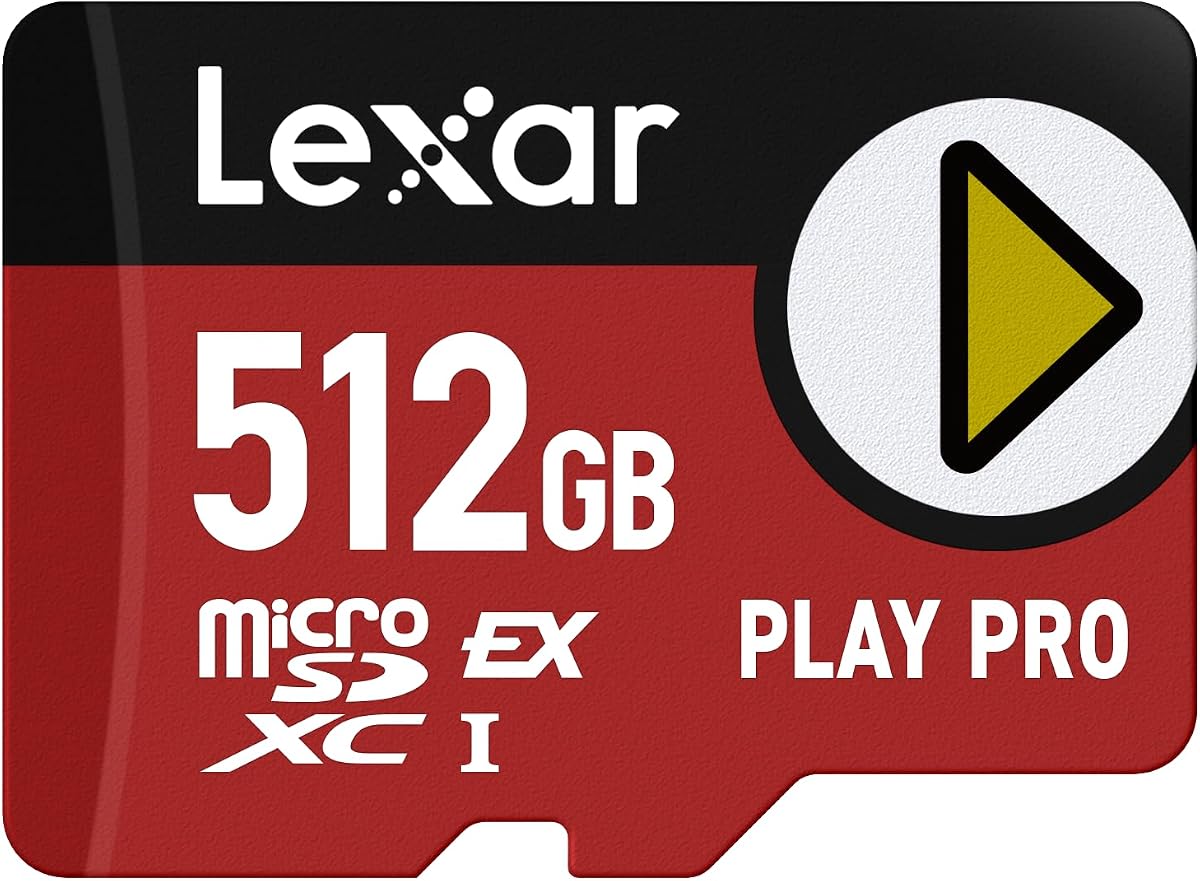
The Lexar 512GB Play PRO Micro SD Express Card is a high-speed alternative with a 4.6 rating. It is described as four times faster than typical UHS-I microSD cards and uses PCIe technology to deliver read speeds up to 900MB/s. That is the highest stated read figure among the products included in this comparison, making it worth close consideration for fast-loading and file-transfer workflows.
We may earn a commission when you buy through this link, at no additional cost to you.
Write speeds reach up to 600MB/s when the card is paired with the Lexar microSD Express card reader. This can accelerate the movement of downloaded games and other large files. The card is positioned for Nintendo Switch 2, supports 4K use, and carries V30 and UHS-I designations. It also remains backward-compatible with UHS-I and UHS-II hosts, operating at UHS-I speeds there.
A limited lifetime warranty and lifetime access to Lexar Recovery Tool add unusual value for owners who create important files on the card. The recovery utility is a reassuring companion for creative workflows, although it should complement—not replace—regular backups and careful card handling.
The headline 900MB/s figure requires a compatible Express reader and host, and the product does not include a reader in the supplied details. Legacy compatibility is also more limited in performance than the newest Express interface, meaning the card delivers its clearest advantage only on properly equipped systems. Comparing a peak figure with the 880MB/s SanDisk specifications should not obscure differences in host support or sustained behavior.
The Play PRO is an excellent choice for a buyer who prioritizes stated read speed, write performance, recovery support, and a generous 512GB capacity. It is especially compelling for Nintendo Switch 2 and other compatible high-speed hosts. SanDisk buyers may prefer the broader ThermAdapt-equipped range, but this Lexar model is a technically ambitious and well-supported alternative.
The card uses PCIe technology to reach read speeds up to 900MB/s. In compatible devices, that can reduce game-loading and media-transfer waits, while the write rating supports faster movement of downloaded content onto the card.
Lifetime access to Lexar Recovery Tool can help users recover mistakenly deleted files in supported situations. The limited lifetime warranty and recovery access make the card more attractive for creators who depend on portable storage.
We may earn a commission when you buy through this link, at no additional cost to you.
The GIGASTONE 1TB microSD Express is a high-capacity card designed with Nintendo Switch 2 in mind. It has a 4.7 customer rating, offers read and write speeds up to 800MB/s and 650MB/s, and uses SDXC media. The product title also identifies compatibility with UHS-I and UHS-II hosts, V30 and U3 video classes, and use in action cameras and drones.
We may earn a commission when you buy through this link, at no additional cost to you.
One terabyte of capacity makes this card a natural fit for expansive console libraries. Games and downloadable content can be kept together without frequent card changes, while the stated write rate helps when installing or moving substantial files. The 800MB/s read speed is also positioned for reducing loading waits on compatible modern hardware.
The package includes a microSD-to-SD adapter, which adds flexibility for compatible full-size SD hosts. GIGASTONE also advertises a five-year limited warranty and free data recovery. These extras can make the card more appealing for users who want support beyond the physical card itself, although the supplied information does not make recovery a substitute for routine backups.
Its main limitation is the absence of a stated adaptive thermal-management feature. A one-terabyte card used for prolonged transfers or sustained console activity may need adequate ventilation and a reliable host, and actual sustained speeds will depend on the device. The listed 800MB/s read figure also trails the 880MB/s stated by several SanDisk Express models.
This card is best for a buyer who wants maximum capacity, modern Express-style performance, and a long support package without moving to a 1TB SanDisk card. It is also an attractive Nintendo Switch 2 option at the same broad capacity class as the leading SanDisk alternative. Users who prioritize a named cooling system may favor the SanDisk 1TB model instead.
Large game libraries benefit from generous storage because modern titles and downloadable content can occupy a substantial amount of space. A 1TB card lets users keep more in one place and reduces the need to carry or switch between multiple cards.
The included SD adapter extends compatibility with hosts that use full-size slots. A five-year limited warranty and free data-recovery offer add value, particularly for buyers who will use the card for photographs, video, and other files that should also be backed up elsewhere.
We may earn a commission when you buy through this link, at no additional cost to you.
The right card depends on the host, storage requirement, and transfer workload. Speed ratings, capacity, cooling, compatibility, and included support should be evaluated together rather than by looking at a single headline number.
Compatibility is the first check because microSD Express, UHS-I, and UHS-II operate through different interfaces. A card may fit physically into a host without offering its fastest advertised performance. Nintendo Switch 2 support is explicitly identified for the dedicated SanDisk Express models, the Samsung P9 Express, the Lexar Play PRO, and the GIGASTONE card. Older cameras, drones, tablets, and laptops may instead require a UHS-I card, with the SanDisk Ultra and Extreme options serving that broader role.
A card that supports both current and legacy devices gives the buyer flexibility, but it may operate at reduced UHS-I speed in an older slot. Check the device documentation for card format, speed class, and maximum supported capacity before purchasing. Future-facing compatibility claims are useful, but they should not replace confirmation of present-day device support.
The 128GB options suit compact or temporary storage, while 256GB provides a more useful middle ground. A 512GB card is a strong fit for a substantial game library, and 1TB models are best for users who want to carry games, downloadable content, video, and photos on a single card. Consider not only the final capacity but also how often you expect to offload files and whether your workflow allows a card to remain close to full.
More capacity can reduce card swapping and media management, but it also means longer transfers when the card eventually needs to be cleared. Users who maintain careful backups may prefer to use smaller cards for separate projects. Console users should think about future game sizes, while creators should consider how long a full card can serve as temporary storage.
Read speed affects opening files, loading games, and bringing media into an editing application. Write speed matters when saving captures, transferring downloads to a card, and moving finished files away from a device. The cards here range from conventional UHS-I performance of up to 195MB/s or 245MB/s reads to Express models with stated read speeds as high as 900MB/s.
A high read rating does not guarantee equally high write performance. Compare both values when the workload includes recording or frequent file replacement. Also recognize that peak sequential figures are laboratory-oriented maxima. Small random files, a busy host device, card temperature, and reader limitations can all produce lower practical results.
The fastest microSD Express transfer rates require compatible hardware. SanDisk’s stated creative-file results for several cards use the separately sold SanDisk PRO-READER SD Express Dual Card. Lexar’s write-speed result likewise assumes its microSD Express card reader. A standard SD adapter, USB-A card reader, or the reader inside an older laptop will usually limit performance to the host’s supported interface.
The SD adapter included with the GIGASTONE card adds physical compatibility but does not guarantee Express speeds. Before ordering, determine whether the card is primarily for a Switch 2, a camera, a drone, or PC-based file management. Only include a specialized reader in the purchase budget if the workflow genuinely needs the additional throughput.
Fast media transfers create heat, and long jobs can reduce stability if a card cannot manage its temperature effectively. SanDisk ThermAdapt, used in the 128GB, 256GB, and general 512GB Express models, combines a specialized enclosure and controller with dynamic adaptive thermal management. Samsung’s P9 Express includes Dynamic Thermal Guard for the same broad purpose. These systems are particularly relevant to sustained transfers, long creative sessions, and compact handheld environments.
No card should be expected to maintain peak performance indefinitely regardless of the environment. Leave room around readers and devices, avoid leaving a card in a hot vehicle or direct sunlight, and take breaks between unusually large transfers if a host becomes warm. A stated cooling system improves the design, but sensible handling remains part of the workflow.
Video classes describe minimum sustained write performance, which matters when a camera, drone, or console records continuously. V30 and U3 appear on several high-speed cards in this guide, while the SanDisk Ultra carries V10, U1, C10, and A1 markings for mainstream Full HD, application, and content use. U3 and V30 are stronger indicators for demanding 4K-oriented workflows than the lower mainstream classes.
The A1 rating on the Ultra card serves a different purpose: it relates to application responsiveness on compatible devices. Do not confuse A1 with a high sequential transfer rate. A card intended for app storage may be excellent for everyday mobile use but considerably slower than an Express card when handling large media.
The SanDisk Express and Extreme cards carry broad resistance claims covering water, temperature, humidity, drops, shock, magnets, X-rays, and wear. Samsung’s P9 Express is described as having six types of protection, while the Lexar card includes a limited lifetime warranty and lifetime access to its recovery tool. GIGASTONE advertises a five-year limited warranty and free data recovery. These claims can add confidence for portable consoles, action cameras, drones, and other mobile equipment.
Durability is not permission to neglect backups. Keep important files copied to another location, format the card in the host before a critical assignment, and inspect contacts when a device reports an error. Recovery features are useful safety nets, but regular backups remain the most dependable protection against corruption, loss, or an unrecognized card.
Some options include an SD adapter, management software, authenticity verification, health monitoring, or recovery utilities. The SanDisk Ultra and Extreme cards work with Memory Zone, Samsung Magician adds health and authenticity tools, and the GIGASTONE and Lexar products include recovery-oriented support. These extras can be useful, but they should complement a sound choice of capacity, speed class, and device compatibility.
A large download or saved-game library may place more value on a one-terabyte capacity than on a bundled adapter. A mobile creator may appreciate Memory Zone, while a console gamer may primarily want official device support. Compare the complete use case rather than allowing accessories to distract from the card’s core performance.
Before first use, confirm that the host supports the card’s interface and capacity. Insert the card into the intended device or a compatible reader, then use that device’s formatting function to prepare it. This is especially important for the Nintendo Switch 2, cameras, drones, and other systems that may maintain their own filesystem structure. Avoid using a basic reader to format a card when the final host offers a better management interface.
For the fastest transfers, connect the card to a host and reader that support microSD Express. Check the reader and computer interface rather than assuming a card’s headline speed will be reached through an ordinary USB-A adapter. Copy large files in batches, avoid interrupting writes, and give the reader room to dissipate heat. If a device becomes unusually warm, pause the transfer and let it cool before continuing.
To protect data, eject the card properly, keep the contacts clean and dry, and avoid forceful removal. Do not bend the card or use it in wet, excessively hot, or magnetic environments even when the product carries protective claims. Maintain backups of irreplaceable media, and check free space before recording. When switching among a console, camera, drone, and computer, confirm that each device can read the files and that the card remains properly recognized.
microSD Express uses a PCIe-NVMe interface to deliver much higher potential transfer speeds than UHS-I. UHS-I remains more widely supported, while Express is intended for newer compatible devices and readers. A microSD Express card may still work in a UHS-I or UHS-II host, but it will operate at the older host’s supported UHS-I speed rather than its headline Express rate.
Yes, but compatibility should be confirmed for the specific card. The reviewed SanDisk Express models, Samsung P9 Express, Lexar Play PRO, and GIGASTONE 1TB model are identified as compatible with Nintendo Switch 2. The ordinary SanDisk Ultra and Extreme microSD cards are not presented as dedicated Switch 2 products. Check the console’s current compatibility guidance before transferring an established library.
The most common reason is that the reader or host supports only UHS-I. Peak microSD Express performance also requires a compatible host interface, suitable cables, and a compatible reader. File size, background activity, thermal conditions, and the card itself can affect results, so small random transfers may look much slower than sequential file copies conducted under ideal conditions.
It can be enough for a small or temporary collection, especially if games are moved frequently. Modern titles and downloadable content can fill 128GB quickly, so buyers planning to keep several games installed should consider 256GB or 512GB. A 1TB card suits the largest collections and reduces the need to switch between multiple cards.
Only if you want to realize the card’s highest transfer speeds or move large media between a computer and the card. A standard reader can still provide access to files, but it will usually limit throughput to the UHS-I interface. The SanDisk PRO-READER and Lexar microSD Express reader are referenced for the stated high-speed transfer scenarios and are sold separately.
A compatible card can move among supported hosts, but each device may format or manage it differently. Before moving it between a console, camera, drone, and computer, confirm file-system support and avoid changing the card’s structure unnecessarily. A card used for console games may need to be reformatted for another role, and transferring those files can also reduce available console storage.
A faster card does not inherently increase the resolution or quality a camera can record. It matters when the chosen video mode requires a minimum sustained write speed, when recording drops frames because the card cannot keep up, or when faster offloading improves the overall workflow. The camera’s sensor, codec, recording settings, and other hardware also determine the final image quality.
Keep at least one backup of irreplaceable photos, videos, and documents on separate storage. Use the host’s format function when needed, handle the card gently, and eject it correctly before removal. Water-, shock-, and X-ray-resistance claims reduce some environmental risks, but they do not prevent logical errors, lost files, or damage from improper handling.
The top recommendations cover three different priorities. The SANDISK 256GB microSD Express Card is the balanced budget-oriented option, combining Switch 2 support, up to 880MB/s transfer speeds, broad durability, and ThermAdapt thermal management. The officially licensed 512GB SanDisk model is the editor’s choice for Nintendo Switch 2, while the 1TB SanDisk Express card is the premium selection for maximum capacity and large creative workloads.
Prioritize the interface your device actually supports, then choose enough capacity for your library or active files. Check read and write needs separately, invest in an Express reader when your workflow genuinely requires peak transfer rates, and consider thermal management for sustained jobs. Conventional UHS-I cards remain better for many cameras, drones, phones, and older systems even when an Express card offers a more advanced specification.
Ratings, prices, promotions, and device compatibility can change, so review the current listing and host requirements before ordering. For a Switch 2 purchase, the dedicated 512GB SanDisk card offers the clearest gaming-specific proposition, while the 256GB and 1TB versions serve buyers who want a different balance of capacity and general-purpose performance.