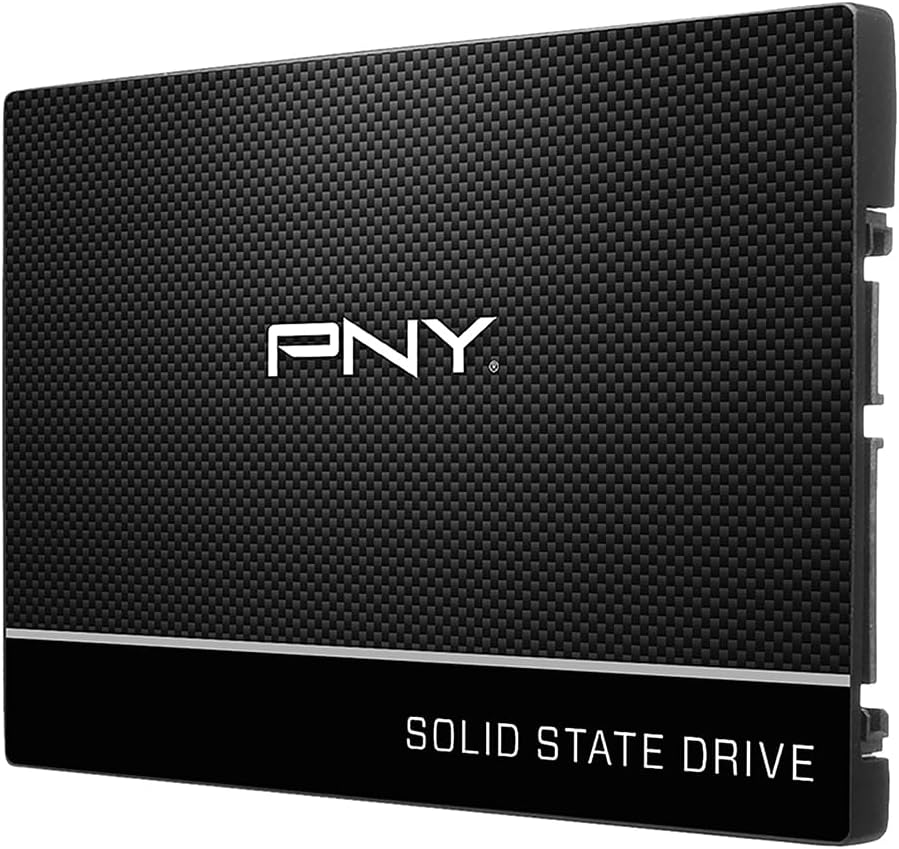
PNY CS900 1TB
4.7Editor score
1TB storage capacity
2.5-inch SATA form factor
Up to 535 MB/s reads
SATA II backward compatibility
Replacing a laptop hard drive with an SSD can transform boot times, application launches, file transfers, and overall responsiveness. A good upgrade matches the laptop’s interface, available bay, operating system, and storage needs while providing a balanced improvement without unnecessary complexity.
We compared ten SSDs using their stated capacities, interfaces, form factors, sequential performance, NAND types, compatibility claims, endurance details, warranty coverage, and user ratings. The list covers 2.5-inch SATA models for conventional upgrades, an M.2 PCIe option for compatible modern laptops, and several capacity choices.
Each pick highlights a particular upgrade path, from a compact drive for light users to high-capacity storage for demanding workloads. Ratings and specifications reflect the supplied product information, while availability and pricing can change, so confirm your laptop’s requirements and current listings before purchasing.
4.7Editor score

4.8Editor score

4.8Editor score
As an Amazon Associate we earn from qualifying purchases.
This side-by-side comparison shows the key differences in interface, capacity, stated speed, and upgrade positioning across all ten SSDs, making it easier to identify the drive that fits your laptop.


The PNY CS900 1TB is a straightforward 2.5-inch SATA III internal SSD for replacing a laptop hard drive with faster, more responsive storage. Its 4.7 rating reflects a well-regarded general-purpose option, while the 1TB capacity provides enough room for an operating system, applications, documents, and a substantial media library.
We may earn a commission when you buy through this link, at no additional cost to you.
Sequential performance reaches up to 535 MB/s for reads and 515 MB/s for writes, which sits close to the practical ceiling of the SATA interface. The supplied information also highlights ultra-low power consumption and backward compatibility with SATA II systems running at 3 GB/s, making it relevant to older laptops that remain in service.
The main limitation is the drive’s interface rather than its quality. A SATA III drive cannot deliver the bandwidth of a compatible PCIe 4.0 x4 M.2 model, and the 2.5-inch shape may not fit a laptop designed exclusively for M.2 modules. Buyers should also consider that the listed product does not emphasize endurance figures in the same way as the Samsung options.
This is our Best Budget pick for a conventional laptop upgrade because it combines a useful 1TB capacity, strong rated performance, and broad SATA compatibility in a straightforward package. Choose it when your notebook has a 2.5-inch bay and a SATA connector, and your priority is a noticeable improvement over a hard drive rather than maximum transfer speed.
A 1TB drive gives you room to install the operating system, keep essential applications on the internal drive, and store larger working files without relying constantly on external media. It is a practical middle ground for users who want flexibility without moving to the largest available configuration.
The stated sequential read and write figures approach the limits of SATA III, so this drive can deliver the sharp improvement in boot and application loading that makes a solid state upgrade worthwhile. It also uses less power than a mechanical hard drive according to the supplied description.
We may earn a commission when you buy through this link, at no additional cost to you.
The PNY CS900 250GB is aimed at lighter laptop users who want faster startup and application access without carrying a large drive. It retains the 4.7 rating found across the CS900 range and provides enough space for an operating system, essential applications, and a focused collection of frequently used files.
We may earn a commission when you buy through this link, at no additional cost to you.
Its stated sequential speed reaches up to 535 MB/s for reads and 500 MB/s for writes. Those figures make it well suited to improving the feel of an older laptop that still uses a SATA hard drive, particularly for web browsing, productivity applications, communication, and routine document work.
The obvious compromise is capacity. Once the operating system, updates, and applications are installed, 250GB can become restrictive for large photo libraries, videos, games, or extensive project files. The 2.5-inch SATA form factor also excludes laptops that accept only a particular M.2 module size or connector.
This model makes sense for a minimal, targeted upgrade rather than a high-capacity replacement. Choose it when your current files will fit comfortably, your laptop supports a 2.5-inch SATA drive, and the primary objective is to remove the sluggishness associated with a mechanical hard drive.
The 250GB configuration works best for users who install applications selectively and keep large personal files elsewhere. It can still provide a meaningful responsiveness improvement in a laptop that previously spent time waiting on a hard drive for routine tasks.
Backward compatibility with SATA II at 3 GB/s broadens the pool of older laptops that can benefit from the upgrade. Check the available storage bay, connector, and mounting arrangement before ordering.
We may earn a commission when you buy through this link, at no additional cost to you.
The PNY CS900 500GB sits between the compact 250GB model and the higher-capacity 1TB version. It carries a 4.7 rating and gives laptop users a more flexible amount of internal storage without moving beyond the familiar 2.5-inch SATA III form factor.
We may earn a commission when you buy through this link, at no additional cost to you.
The supplied specifications list sequential performance of up to 550 MB/s reads and 500 MB/s writes. It also emphasizes fast operating system boot times, quicker application loading, ultra-low power consumption, and backward compatibility with SATA II 3 GB/s systems.
This capacity is sensible for users who need more room than a small system drive but do not need to retain extensive media or project archives internally. The compromise is that it cannot exploit the substantially higher bandwidth available to compatible PCIe laptops, nor can it fit an M.2-only configuration.
For a standard SATA laptop upgrade, the 500GB model offers a balanced choice. It is especially attractive when 250GB feels too restrictive but 1TB is unnecessary, giving the user room for applications and everyday files while retaining strong rated responsiveness.
The 500GB capacity can accommodate an operating system, regular applications, downloaded media, and active project directories. It provides a comfortable buffer for users who do not want to manage internal storage aggressively.
Up to 550 MB/s sequential reads and 500 MB/s sequential writes make this model well matched to SATA III hardware. It should feel considerably more responsive than a mechanical drive during system and application access.
We may earn a commission when you buy through this link, at no additional cost to you.
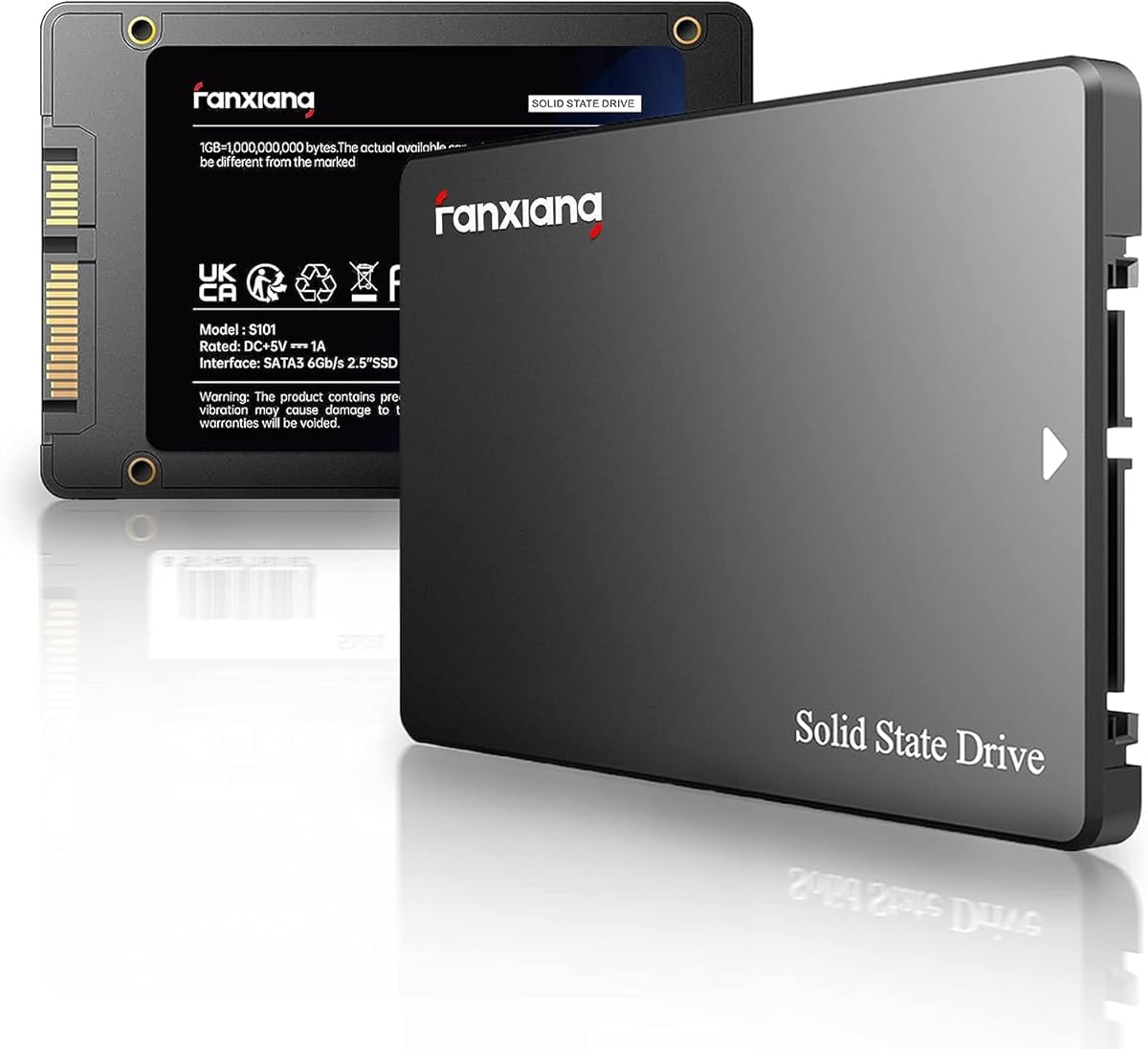
The fanxiang S101 1TB is a 2.5-inch SATA III internal SSD intended for laptops, desktops, and all-in-one computers. Its 4.5 rating reflects a generally positive user reception, and the inclusion of 3D NAND TLC memory makes it appealing for buyers who want a clearly identified NAND type.
We may earn a commission when you buy through this link, at no additional cost to you.
The supplied information states read and write speeds of up to 520 MB/s. It also says the drive boots at least 50 percent faster than an HDD, making it a relevant choice for users who want a visible improvement in startup time and access to games or productivity applications.
Compatibility is a key strength because the product description specifically mentions support for laptops, desktops, all-in-one PCs, and operating systems including Windows, Linux, and Mac OS. However, those statements do not replace checking the physical bay, connector, and firmware requirements of the specific machine being upgraded.
Choose the S101 when you need 1TB of storage, prefer TLC NAND, and want broad platform support. Its three-year after-sales service and lifetime technical support add reassurance, although its stated read speed is lower than the leading SATA models in this comparison.
The use of 3D NAND TLC is the standout specification here. The supplied description notes that TLC offers a longer write lifespan than QLC, making the drive more relevant to users who expect sustained internal use rather than occasional light storage duty.
A 1TB drive reduces pressure to move files to external storage, while the broad compatibility claims cover several common computer categories. Always verify that your laptop uses the correct 2.5-inch SATA interface before installation.
We may earn a commission when you buy through this link, at no additional cost to you.
The KingSpec 1TB combines a 2.5-inch SATA III interface with 3D NAND flash and a 4.5 user rating. It is aimed at laptop and desktop owners who want a generous capacity, fast rated transfers, and a conventional form factor that can replace an existing mechanical hard drive.
We may earn a commission when you buy through this link, at no additional cost to you.
Maximum sequential speeds are listed at 550 MB/s for reading and 520 MB/s for writing. The product information also highlights shock resistance, silent operation, low power consumption, and resistance to high and low temperatures, all of which suit a mobile computer environment.
A particularly useful feature is the stated support for wear leveling, garbage collection, over-provisioning, native command queuing, TRIM, and S.M.A.R.T. These functions help support consistent operation and drive management, although the product listing does not provide a specific TBW endurance number.
The KingSpec is a strong fit for conventional SATA systems that need 1TB of storage and rapid everyday performance. It is backed by a three-year limited warranty and lifetime technical support, making it a well-rounded option when your laptop cannot accept an M.2 PCIe drive.
The 550 MB/s read and 520 MB/s write ratings position this drive near the practical ceiling of SATA III. That makes it suitable for quick system access and efficient transfer of files that are too large for the tiny bottlenecks found in some older laptops.
TRIM, wear leveling, garbage collection, over-provisioning, and S.M.A.R.T. support form a useful management foundation. These features help the operating system maintain performance and provide health information for monitoring the drive.
We may earn a commission when you buy through this link, at no additional cost to you.
The Samsung SSD 990 EVO Plus is the clear high-speed option in this guide, combining a 4.8 rating with a 2TB capacity and the M.2 2280 form factor. It is designed for compatible modern laptops that support PCIe 4.0 x4 or PCIe 5.0 x2 rather than conventional 2.5-inch SATA storage.
We may earn a commission when you buy through this link, at no additional cost to you.
Stated sequential performance reaches up to 7,250 MB/s for reads and 6,300 MB/s for writes, making it suitable for large file transfers and demanding productivity tasks. Intelligent TurboWrite 2.0 is highlighted for improved large-file performance, while the nickel-coated controller is designed to maintain efficiency and manage heat.
Compatibility is the essential trade-off. Some laptops only accept SATA M.2 modules, while others provide a single storage slot or use a nonstandard screw position. A machine may also support faster protocols physically but be limited by its controller, firmware, or thermal design, so the advertised drive speed will not always be reached.
This is our Editor’s Choice for users whose laptops have a compatible M.2 2280 slot. It combines exceptional bandwidth, ample capacity, thermal considerations, and Samsung Magician support for firmware, encryption, and health monitoring, delivering the strongest upgrade path when the hardware supports it.
The 7,250 MB/s sequential read rating provides enormous headroom for high-resolution media, project archives, and system workloads. Even when everyday tasks do not saturate the interface, compatible systems can benefit from a substantially more responsive storage pipeline.
Samsung specifically highlights the nickel-coated controller for improved efficiency and thermal control. Those attributes matter in a laptop because storage contributes to both heat and power consumption, although the full platform still determines the sustained result.
Samsung Magician Software provides firmware updates, encryption options, and drive-health monitoring. Keeping the firmware current helps the drive benefit from improvements intended for its latest NAND and controller configuration.
We may earn a commission when you buy through this link, at no additional cost to you.
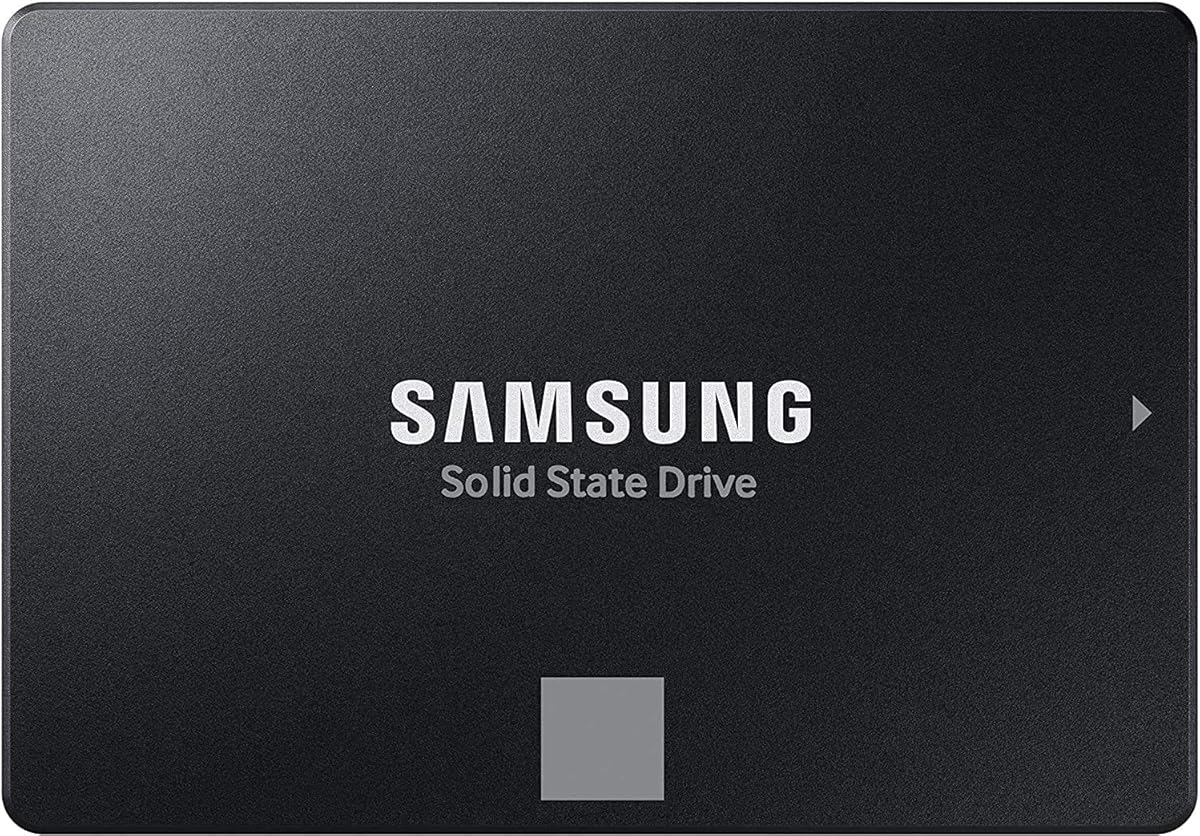
The Samsung SSD 870 EVO 2TB is a high-capacity SATA III drive for users who want more storage without moving to a laptop with a modern M.2 slot. It holds a 4.8 rating and is designed for demanding tasks ranging from everyday computing to high-resolution video processing.
We may earn a commission when you buy through this link, at no additional cost to you.
The drive uses the standard 2.5-inch SATA form factor and reaches sequential speeds of 560 MB/s reads and 530 MB/s writes. Its larger variable buffer is intended to accelerate writes and maintain strong performance over time, while a stated endurance of up to 2,400 TBW gives buyers a useful workload indicator.
Compatibility is one of its strongest practical qualities. The product has been tested with major host systems and applications, including chipsets, motherboards, NAS devices, and video recording equipment. The SATA 6 Gb/s interface is also compatible with 3 Gb/s and 1.5 Gb/s SATA connections.
Choose this model for a SATA laptop that needs substantial internal capacity, strong sustained performance, and a clear endurance figure. It is our Best Premium pick among the 2.5-inch SATA options, although buyers should not expect the raw bandwidth available from the PCIe-based 990 EVO Plus.
With 2TB of capacity, the drive can hold large media and project collections while still accommodating the operating system and active applications. The stated endurance of up to 2,400 TBW makes it a sensible option for users who expect regular, sustained writing.
The supplied information identifies Class 0 AES 256 encryption with TCG/Opal v2.0, MS eDrive, and IEEE 1667 support. Compatibility testing across major host systems and applications also adds confidence for mixed workstation and home-system environments.
We may earn a commission when you buy through this link, at no additional cost to you.
The Samsung 870 EVO 250GB is a compact internal SSD for laptops that need a quick replacement for a small hard drive or an older storage module. Its 4.8 rating and familiar 2.5-inch SATA design make it a strong choice when capacity needs are modest.
We may earn a commission when you buy through this link, at no additional cost to you.
Sequential performance reaches 560 MB/s reads and 530 MB/s writes, using a larger variable buffer to accelerate write performance and sustain output. The product information states endurance of up to 600 TBW under a five-year limited warranty, providing a clearer longevity picture than many compact alternatives.
Samsung Magician 6 supports firmware updates, drive-health monitoring, status checks, and performance management. The drive is also described as compatible with major chipsets, motherboards, NAS systems, and video recording devices, although your specific laptop still needs to support the physical SATA form factor.
Choose this model for a lightweight productivity laptop, a secondary storage role, or users who keep files on external media. It provides premium-rated responsiveness and software support in a small capacity, but 250GB is not the best answer for large game libraries or extensive media collections.
The 250GB capacity is most useful for a system drive, frequently accessed applications, and a selective set of local files. Users with more data can keep archives on external storage while relying on the SSD for the applications that benefit most from rapid access.
Samsung Magician provides a central way to check health, apply firmware, and manage the drive. The stated five-year limited warranty and 600 TBW endurance figure add useful protection for a compact but performance-focused upgrade.
We may earn a commission when you buy through this link, at no additional cost to you.
The Samsung SSD 870 EVO 1TB combines the 870 EVO family’s performance and management features with a capacity that suits most general-purpose laptop upgrades. Its 4.8 rating makes it one of the strongest conventional SATA options for users who cannot install an M.2 PCIe drive.
We may earn a commission when you buy through this link, at no additional cost to you.
The drive lists sequential speeds of 560 MB/s reads and 530 MB/s writes, along with a larger variable buffer designed to maintain performance during writes. It is presented for gamers, professionals, workstations, and NAS systems, with compatibility testing across major chipsets, motherboards, and storage devices.
The supplied specifications state up to 600 TBW endurance under a five-year limited warranty, plus AES 256-bit encryption with Class 0, TCG/Opal, and IEEE 1667 support. Samsung Magician 6 assists with updates, health monitoring, status checks, and performance management.
This is our Best Premium recommendation because it balances capacity, strong SATA performance, stated endurance, and software support. It is a particularly sensible choice for a compatible SATA laptop that needs a modern, durable replacement without requiring any changes to its storage interface.
One terabyte offers enough capacity for a full operating system, creative applications, games, and active media while avoiding the need for routine manual cleanup. It is a broadly useful configuration for both personal and professional notebooks.
Health monitoring, firmware updates, encryption support, and S.M.A.R.T. functionality make the drive manageable after installation. These features are especially relevant to IT departments and users who expect the drive to serve demanding workloads.
We may earn a commission when you buy through this link, at no additional cost to you.
The TEAMGROUP T-Force Vulcan Z 1TB is a 2.5-inch SATA III SSD aimed at gamers, power users, and laptop owners replacing an old hard drive. It carries a 4.6 rating and combines a 1TB capacity with 3D NAND TLC and a built-in SLC cache.
We may earn a commission when you buy through this link, at no additional cost to you.
The supplied description lists read and write speeds of up to 550 MB/s and 500 MB/s. It positions these capabilities around faster game loading, reduced system lag, large file transfers, 4K video editing, and more responsive operating-system access, making the drive relevant to mixed creative and gaming workloads.
Its standard 2.5-inch, 7mm slim design is intended to fit most laptops and desktops, and the drive operates silently without moving parts. Shock and vibration resistance are also highlighted. The three-year or TBW limited warranty provides coverage, but the supplied listing does not give a specific endurance number.
Choose the Vulcan Z when your laptop accepts a 2.5-inch SATA drive and you want 1TB of storage with a cache-assisted design. It is a compelling conventional upgrade, though compatibility with thin laptops should be checked carefully and the lower rating warrants comparing reviews before making a final decision.
The built-in SLC cache is designed to support stable read and write performance during active tasks. It can be particularly useful for game loading, file transfers, and editing workflows that benefit from quick access to recently used data.
The 7mm profile makes the drive suitable for many slim laptop bays, while the absence of moving parts supports quiet operation and resistance to shock and vibration. Thickness and connector requirements should still be verified before installation.
We may earn a commission when you buy through this link, at no additional cost to you.
The right laptop SSD depends first on physical and interface compatibility, then on capacity, workload demands, and reliability features. Use the following factors to narrow the field before making a purchase.
Start by identifying whether your laptop uses a 2.5-inch SATA connection, an M.2 SATA slot, an M.2 PCIe slot, or a proprietary format. A 2.5-inch drive is physically larger and usually connects through a separate SATA cable or connector, while an M.2 module is a narrow card that must match the slot’s protocol. The physical shape alone does not guarantee compatibility, especially for M.2 drives, because SATA and PCIe use different protocols.
Your laptop’s storage bay or slot may support more than one capacity, but a larger drive can also affect weight, heat, and power use. A 250GB model is appropriate for light use, 500GB offers more application space, and 1TB or 2TB suits larger libraries and professional files. Check the manufacturer’s maximum supported capacity when that information is available, especially for older systems with older storage controllers.
Sequential read speed matters when copying large files, while write speed affects file creation, updates, and transfers. Random access, software responsiveness, and sustained performance are also more representative of everyday laptop use than a single headline speed. The SATA drives here reach approximately the interface limit, so a faster PCIe drive will only deliver a major advantage if the laptop itself supports that interface and the workload is sufficiently demanding.
NAND type provides a useful indication of write characteristics and suitability for sustained use. TLC appears in the supplied details for the fanxiang S101, KingSpec, and TEAMGROUP T-Force Vulcan Z, while Samsung lists explicit endurance figures for several 870 EVO capacities. Endorsement by TBW describes how many terabytes may be written under stated conditions, though real workload patterns and the manufacturer’s warranty terms still apply.
Laptop storage operates in a compact enclosure where heat can affect sustained performance. The Samsung 990 EVO Plus specifically highlights its nickel-coated controller and thermal control, while several SATA models emphasize low power consumption. Proper placement, a laptop-appropriate mounting arrangement, and unobstructed ventilation can help the drive maintain its intended performance during demanding transfers.
A faster drive does not replace a backup, especially when migrating an existing operating system. Confirm that the supplied or optional migration software is compatible with your current setup, and keep an independent copy of important files before formatting the original drive. Samsung Magician is available for management of the Samsung models, while other drives may rely on operating-system migration tools.
Longer warranty coverage can be useful on a drive that will become part of your daily computer. The fanxiang S101 and KingSpec list three years of service or warranty, the TEAMGROUP drive includes a three-year or TBW limited warranty, and the Samsung 870 EVO listings include stated five-year limited warranty coverage. Review the current manufacturer terms, as coverage and support procedures can change over time.
A 2.5-inch SATA upgrade may require moving or reconnecting a drive bracket, while an M.2 module often uses a single screw and connector. Some thin laptops place storage beneath the keyboard, near the battery, or under a manufacturer-specific shield, making installation less convenient. If you are not comfortable opening the machine or handling the existing drive, professional service can reduce the risk of damage.
Before beginning, back up important files, record the original drive’s partition and operating-system details, and create a recovery or installation medium if your laptop supports one. Confirm the new SSD’s form factor, interface, capacity, and mounting requirements. A compatible drive installed in an incompatible slot may not be detected or may require a different adapter that was not designed for the laptop.
Transfer the existing system with reputable cloning or migration software, then power down completely before changing hardware. Follow the laptop manufacturer’s service instructions, protect the battery connector, avoid forcing the drive or ribbon cable, and secure the SSD according to the original design. After installing the new drive, boot from the installation media if necessary, confirm that all partitions are visible, and complete the operating-system setup before removing the backup media.
Once installed, move important files from the old drive, verify that the system and applications function normally, and use a secure erase method when reusing or disposing of the previous hard drive. Enable appropriate operating-system trimming and drive encryption, keep firmware current through the manufacturer’s software, monitor drive health, and maintain separate backups. Keeping free space available and avoiding abrupt shutdowns during writes will help preserve performance and data integrity.
Yes, an SSD can make a laptop feel considerably faster during startup, application loading, file access, and multitasking. A mechanical hard drive has moving parts and slower random access, while flash storage responds much more quickly. The overall result also depends on the processor, memory, operating system, and whether the laptop is still limited by a mechanical hard drive.
No. A 2.5-inch SATA SSD requires a compatible bay, SATA data connection, and suitable power and mounting arrangement. Some modern laptops accept only M.2 modules, and some ultraportable models use proprietary storage designs. Check the service manual or manufacturer specifications before buying a replacement drive.
Only when the laptop supports that interface and the workload can use the additional bandwidth. A PCIe 4.0 x4 drive has much higher theoretical capability than SATA, but the laptop controller may run it at a lower speed. Software responsiveness can also improve less dramatically than large sequential file transfers when the rest of the system is already fast.
Choose enough room for the operating system, applications, updates, and files you want to keep locally. A 250GB model suits lighter use, 500GB provides a more comfortable balance, and 1TB or 2TB is preferable for games, media, or professional projects. Avoid filling an SSD completely, and keep backups even when capacity appears adequate.
You can usually clone the existing installation and its partitions to the new SSD, then continue using the same operating system. Some migrations require adjustments to boot order or drivers, and a clean installation can resolve unusual compatibility problems. Back up everything before beginning because cloning errors or incorrect boot selection can leave the new drive inaccessible.
Check the laptop manufacturer’s service or specification documentation and look for mentions of a 2.5-inch SATA drive, M.2 SATA, M.2 PCIe, or NVMe support. The storage connector, mounting screw, and included parts can also help identify the format. If the documentation is unclear, provide the exact laptop model to a retailer or service professional before ordering.
SSDs generally produce less heat and consume less power than mechanical hard drives, but high-performance NVMe models can still become warm during sustained transfers. A properly mounted drive with airflow around the laptop and updated firmware can help maintain performance. Avoid covering the laptop’s vents and use an external drive for exceptionally long transfers if thermal throttling appears.
Keeping the old drive can provide temporary backup access, but do not depend on it as your only backup after cloning. Verify that the new system boots, all applications work, and important files are present. Then erase the old drive securely if it will be reused or disposed of according to your organization’s data-security policy.
The strongest overall options depend on hardware compatibility. The Samsung 990 EVO Plus leads for compatible M.2 laptops with exceptional bandwidth, the Samsung 870 EVO 1TB delivers a balanced premium SATA upgrade, and the PNY CS900 1TB offers a practical high-capacity alternative for conventional 2.5-inch systems. Smaller capacities are better for focused use than large libraries.
Before purchasing, identify the exact laptop model, determine whether it requires SATA or supports M.2 PCIe, and confirm the available bay, connector, mounting hardware, and maximum capacity. Then prioritize the workload that matters most: sustained write activity, large file transfers, gaming, productivity, or simple everyday responsiveness. Endurance, thermal behavior, management software, and warranty support are useful secondary criteria.
Ratings and technical specifications provide a starting point, but current availability and pricing can change. Review the latest manufacturer documentation and current product listing before checkout, and make sure the drive you select is physically and electronically compatible with your laptop.